
One-Click Purchase
The One-Click Purchase toggle can be found in the Add-ons section in the License tab of your WP Rocket account page.
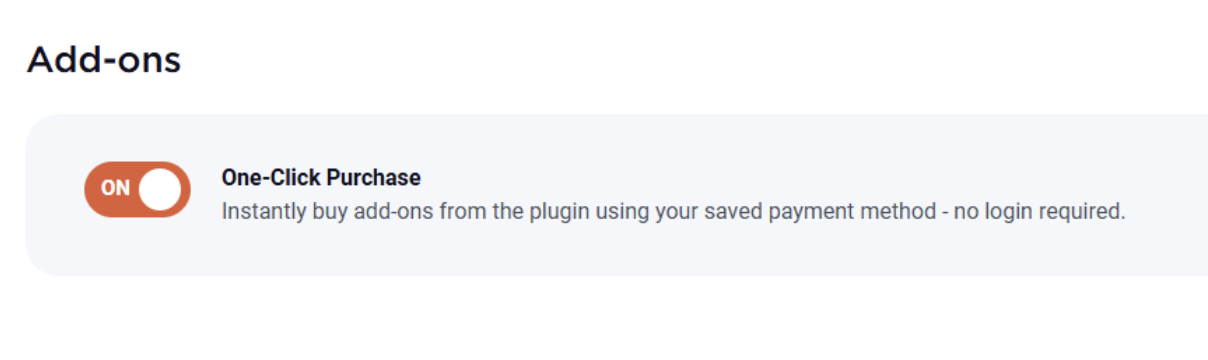
Toggle settings and behavior
This default status of the toggle depends on the license type, as follows:
- Single license: ON by default.
- Plus and Multi licenses: OFF by default.
When enabled, it allows you to initiate purchases directly from the WP Rocket settings page and complete them in the checkout, without logging in to your WP Rocket account.
These purchases will be charged to the payment method that's stored in the WP Rocket account (typically the one originally used to purchase your WP Rocket license). You can review or update your payment method at any time.
One-click purchases are unfortunately not supported for users with PayPal as stored payment method.
If the toggle is turned OFF, any purchases will require logging in to the WP Rocket account before they can be completed.
Available paid Add-ons
The One-Click Purchase toggle can be used to buy the following paid Add-ons:
Rocket Insights Recommendations toggle
You can use the Rocket Insights Recommendations toggle to control the visualization of the Rocket Insights post column view on all the websites that use your license.
This toggle is OFF by default for Multi license users.

Note that it could take up to 24 hours before this setting is applied to the sites.