
Forced reflow
PageSpeed warns about Forced reflow when JavaScript asks the browser to stop the rendering to recalculate the size or position of an element, slowing the performance of the page.
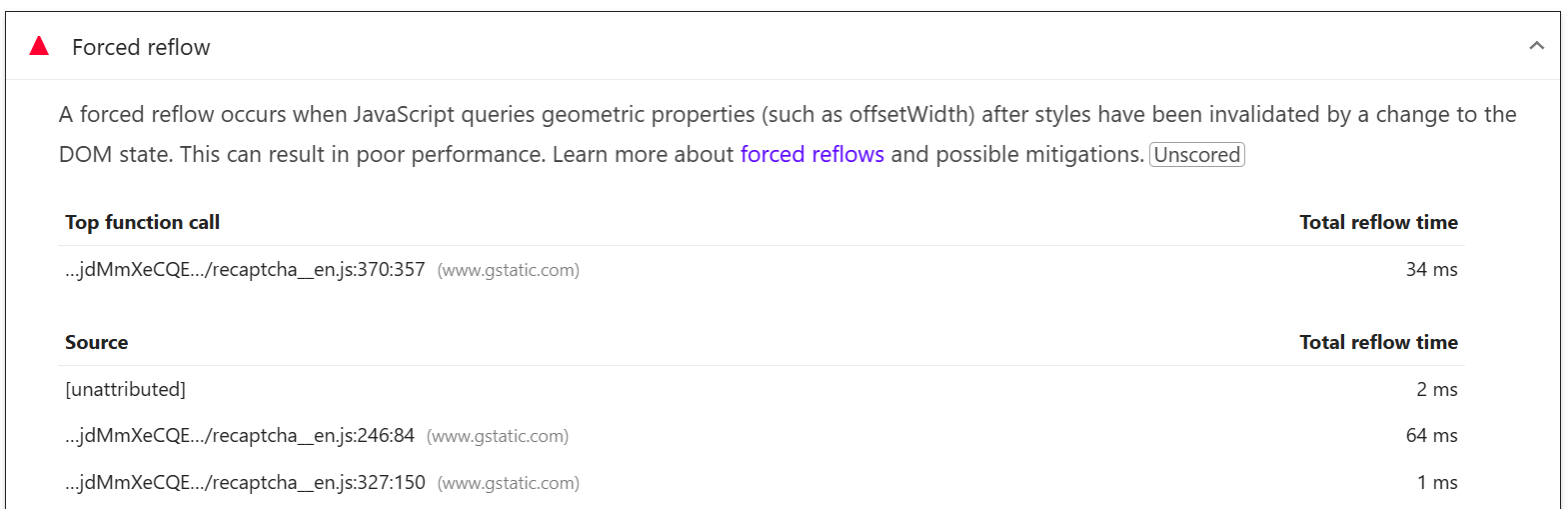
A forced reflow occurs when JavaScript queries geometric properties (such as offsetWidth) after styles have been invalidated by a change to the DOM state. This can result in poor performance. Learn more about forced reflows and possible mitigations.
Understanding Forced reflow
A forced reflow happens when JavaScript asks the browser for layout details like size or position while it’s still updating the page. The browser has to stop, recalculate everything, and return the info before continuing. And, this type of behavior can slow down the page.
How to improve Forced reflow
Forced reflow comes from the code of your theme or plugins. Ideally, developers should prevent these types of actions to avoid performance issues.
Now, WP Rocket can't resolve forced reflow problems.
However, using features like Load JavaScript deferred or Delay JavaScript execution could help avoid a reflow if the problematic JavaScript is deferred or delayed until after the browser finished the rending of the page.